

WordPress Speed Optimization Cost: What You Actually Pay For
How much does WordPress speed optimization cost? WordPress speed optimization cost is not a single fixed number, because speed work is not a single product. It is a set of…
Umair Khan •
How much does WordPress speed optimization cost?
WordPress speed optimization cost is not a single fixed number, because speed work is not a single product. It is a set of checks, fixes, and tests, and the price depends on what your site needs, how large it is, and how carefully the work is verified. A small brochure site with a few pages and a straightforward theme will usually need less work than a large WooCommerce store with many plugins, custom templates, and a slow server.
That is why a useful quote starts with scope, not with a headline price. Ask what is included, what will be measured before and after, and what is deliberately left out. If two quotes look very different, the difference is often in that scope, not in the quality of the people behind them.
For reference, ProSpeedGuy pricing, as shown on this site, is Starter $249, Pro $499, and consultation $40/hr. Those are ProSpeedGuy prices for its own packages and consultation time. They are not presented here as market pricing, and they do not by themselves promise a particular score, ranking, or revenue result. The right package still depends on your site, your goals, and the findings from an audit.
What speed work actually includes
Good speed work usually begins with an audit. That means looking at real performance data, not just a single test score on a single day. The audit should identify the slowest pages, the heaviest resources, and the bottlenecks that matter most to visitors, whether that is a slow server response, unoptimized images, heavy scripts, or a database that has grown messy over time.
From there, the work often covers Core Web Vitals, which focus on loading, interactivity, and visual stability. A practical guide to those measures is the WordPress Core Web Vitals Guide. Caching is another core piece, but it has to be set up for your site, not just switched on. Cart, checkout, login, and other dynamic pages must still work correctly, which is why testing matters as much as configuration.
Image and script work is where many sites gain the most visible improvement. Large, uncompressed images slow pages down, especially on mobile. Third-party scripts, tracking tools, fonts, and page-builder assets can also add weight and delay interaction. The fix is rarely to remove everything. It is to keep what serves visitors, load the rest more efficiently, and defer or delay what is not needed right away.
Database work is less visible but still important, especially on older sites. Revisions, expired transients, spam, and leftover data from removed plugins can add overhead. Any database cleanup should be done carefully, with a backup, and with a check that nothing important was removed. Finally, work should be done and tested on staging first where possible, so visitors do not become the test audience for a change that breaks a form, a cart, or a layout.
A structured starting point is the WordPress Speed Audit Checklist, which walks through the kinds of checks that should come before any price is treated as final.

What affects the price of speed work?
Site size is the first driver. More pages, more templates, more products, and more custom code mean more to check and more to test. A site with ten pages is a different job from a site with hundreds of posts, dozens of landing pages, and a large media library.
WooCommerce adds complexity. A store has carts, checkout, account pages, product variations, and often live inventory or payment integrations. Those pages cannot be cached in the same way as a blog post, and a mistake can cost a sale. That is why store work usually takes longer and needs more careful testing. Hosting choices matter here too, and the Best Hosting for WooCommerce guide explains the trade-offs to consider before blaming a plugin or a theme.
Page builders, plugin bloat, and hosting are the next drivers. A heavy builder, several overlapping plugins doing the same job, and a slow or under-resourced server can each add work. Sometimes the fix is in WordPress itself. Sometimes it is at the server level, which is covered in WordPress Server Optimization. If a managed VPS still feels slow, the bottleneck may not be where you expect, as discussed in Managed VPS Slow.
Ongoing support is another factor. A one-time project fixes what is found now. Ongoing support watches for regressions after plugin updates, new content, new campaigns, and hosting changes. Neither model is automatically better. A stable, simple site may only need a project. A growing store or a site that changes often may benefit from regular checks.
Project, hourly, and ongoing models, in general terms
In a project model, you agree a defined scope, a price, and a set of deliverables in advance. This works well when the audit is clear and the work is bounded. The risk is scope creep: if new problems appear, they may need a separate agreement.
In an hourly model, you pay for time, which suits diagnosis, consultation, and work where the extent of the problem is not yet known. ProSpeedGuy consultation is listed at $40/hr. Hourly work should still come with clear notes on what was done, what was found, and what to do next, so you are not paying for time without a record.
In an ongoing model, you pay regularly for monitoring, maintenance, and small improvements. This can be useful after a project, when you want someone to catch problems early. Before choosing it, ask what is checked each month, how often you receive a report, and what counts as included work versus a separate project.
How do you choose a speed package without overpaying?
Start by comparing scope, not just price. A useful quote should name the pages and templates covered, the checks included, whether staging and testing are part of the work, and how results will be reported. Ask for before-and-after measurements on the same pages, under comparable conditions, and ask what changed to produce them.
Look for proof, not promises. Be cautious of any offer that guarantees a specific score, ranking, or revenue result, because those outcomes depend on factors beyond speed work alone, including content, competition, hosting, and visitor behavior. A credible provider should explain what it will do, what it cannot control, and what would need a separate decision, such as a hosting change or a theme rebuild.
Check what is excluded. Common exclusions include hosting upgrades, premium plugin licenses, content rewrites, design changes, and fixes for problems caused by later updates. Exclusions are not a warning sign by themselves. Hidden exclusions are. A clear list protects both sides and prevents a low quote from turning into a larger bill later.
Finally, ask about guarantees in practical terms. Does the provider recheck the work after it is delivered? What happens if a fix breaks something? Is there a short window to report a regression? Those answers tell you more about value than a headline price ever will.
If you want help deciding which package fits your site, see Hire Me for the next step and the information to share about your site.
Next step: request a free speed audit and share your site URL, your slowest pages, and whether you run WooCommerce, so the scope and package can be matched to your site.
Common Questions
Frequently Asked Questions
Clear, honest answers about speed optimization cost, scope, and choosing a package.
Keep reading
-
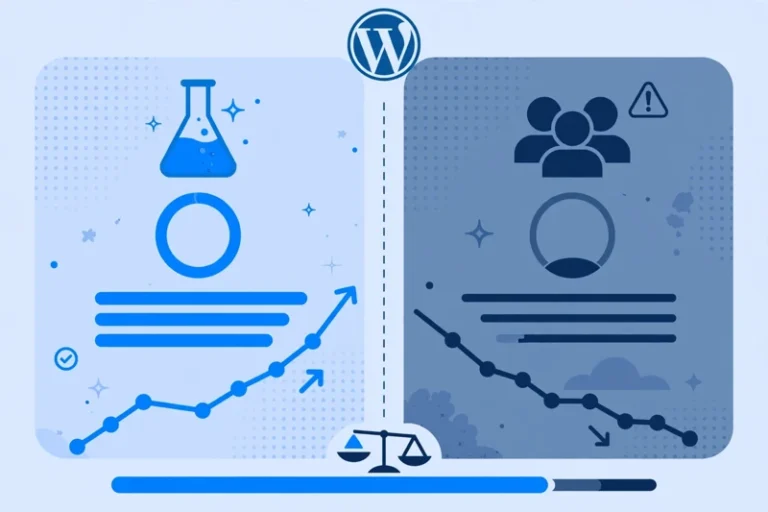
PageSpeed Looks Good but Core Web Vitals Fail? Lab vs Field Data Explained
A good lab score does not always mean a passing Core Web…November 9, 2026 -

Are Google Fonts Slowing Down WordPress? How to Fix Slow, Shifting Text
Text that appears late, flashes, or jumps after loading can make a…November 5, 2026 -
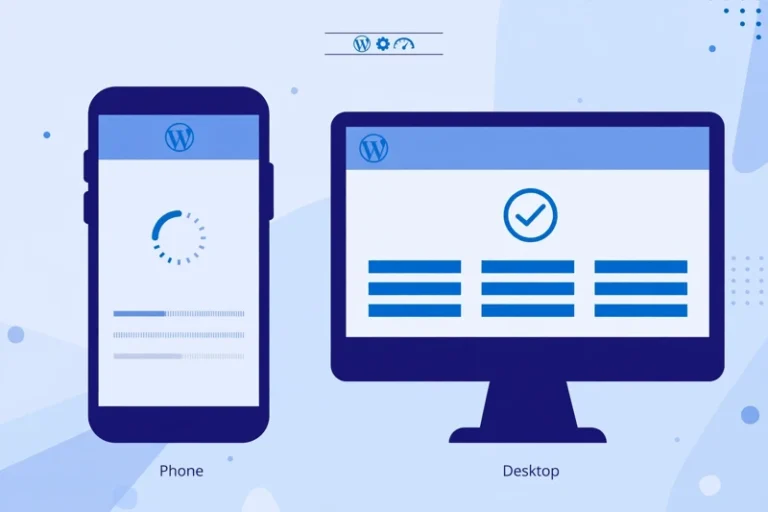
WordPress Slow on Mobile Only? How to Find the Mobile-Only Cause
Your site feels fine on a laptop but slow on a phone….November 2, 2026
Leave a Reply